Turn the old phone in your drawer into your own security camera.
Old Phone Cam turns an old phone into a camera on your local network. The video never leaves the phone: you watch it in a browser from any device on the same Wi-Fi, with no server in between, no account and no subscription required.

The free tier does everything, with a watermark.
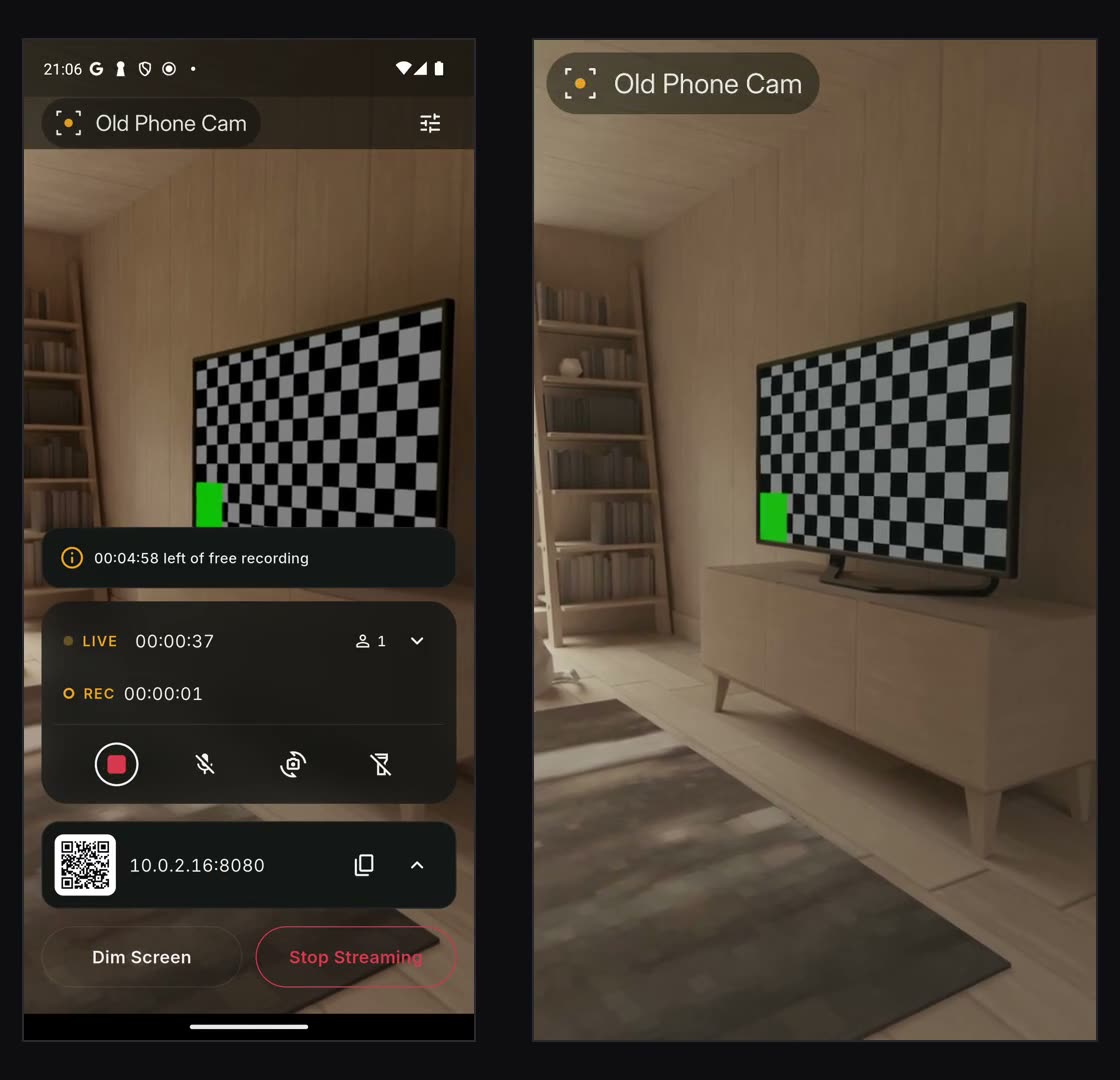
Plug the old phone in, open the app, press Start Streaming.
Scan it with another phone, or type the address into a browser.
A browser, VLC or Home Assistant. Nothing to install.
The question worth asking: where does my video go?
The short answer: nowhere.
Video never leaves the device
No recording server, no cloud. The stream travels your network only, to the devices you allow.
No account to create
No email, no password, no profile. It works the moment you open it.
No internet needed
The same Wi-Fi is enough. It works even when the router has no internet.
The stream is locked
The address carries a key. Without it a request is refused, and the QR code already carries it.
It does not cook the phone
It watches the temperature and lowers the frame rate itself when it has to, and says so on screen.
With tools you already have
A browser, VLC, Home Assistant. MJPEG is a standard stream, no special app required.
The free tier is genuinely useful
Streaming itself is never paid for. Premium lifts the limits for people who use it often.
Free
- 720p live stream
- Watermark on the picture
- 5 minutes per clip, 30 minutes a day
- Watch an advert to extend it, if you want to
- One viewer
Premium
- No watermark on stream or clips
- The highest resolution your phone supports
- Unlimited recording
- More than one viewer
Prices are shown in the store. The annual plan starts with 7 days free.
Your responsibility
This is a surveillance tool. Recording other people without their consent may be illegal where you are; how you use it is on you.
Apple and the Apple logo are trademarks of Apple Inc., registered in the U.S. and other countries. App Store is a service mark of Apple Inc. Google Play and the Google Play logo are trademarks of Google LLC.